Freelancers and independent consultants setting or defending a rate, and anyone who has ever worked out an hourly figure by dividing a salary by the hours in a year.
Come funziona
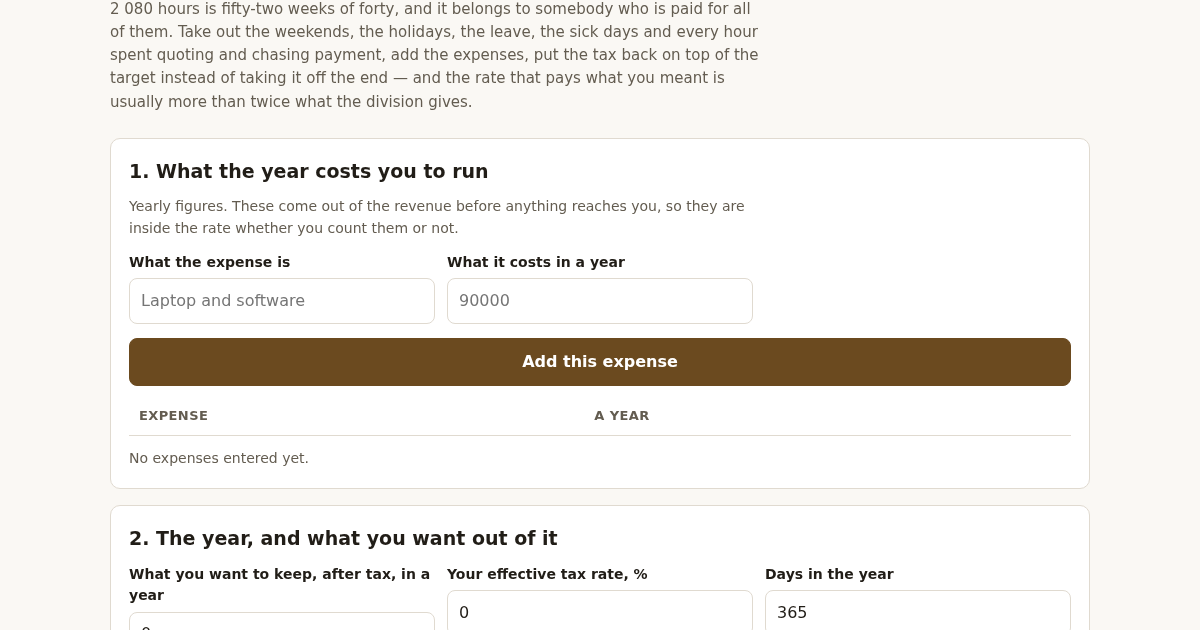
- List what the year costs you to run, one line for each expense.
- Say what you want to keep after tax, your effective tax rate, and how the year breaks down into days.
- Say how many hours a day you work and what share of them you can actually bill.
- Read the rate, and try the rate you had in mind to see what the year leaves you at it.
Cosa ottieni
- Calculates the hourly rate you actually need to charge based on the hours you can really bill in a year — not the 2,080 that belongs to a salaried employee — so your rate covers your real costs and profit.
Schermata
Dettagli tecnici
Come configurare e usare
- Acquista la licenza — la chiave (lic_...) appare nella pagina dell'ordine e via email.
- Accedi su app.synoriaai.com con la tua chiave di licenza.
- Nessuna installazione — il prodotto gira nel browser, sulla tua istanza isolata.
- 1. Open the Rate Floor page and enter your yearly expenses one by one — type a description and amount, then click 'Add expense' for each (for example, 'Laptop and software' at 90,000 and 'Coworking' a
- 2. Set your yearly profit target (e.g., 1,200,000), your tax rate in percent (e.g., 20), and the days you won't bill: holidays, leave, and sick days (e.g., 12, 20, and 5).
- 3. The tool calculates your real billable hours after removing weekends and those days off, then grosses up your target through tax and adds expenses to give your hourly rate.
- 4. Review the results: your true hourly rate, the naive 2,080-hour rate, the multiple between them, and your break-even rate (what you need per hour just to cover expenses at zero profit).
- 5. Optionally, enter a rate you already have in mind to see what the year leaves you at it and how far it misses your target.
Domande frequenti
What does this tool actually calculate, and what does it not do?
It calculates the hourly rate you need to charge to hit a yearly profit target after taxes and expenses, using only the hours you can realistically bill (excluding weekends, holidays, leave, sick days, and unbillable time). It does not track actual invoices, manage cash flow, or handle variable tax brackets — it assumes a flat tax rate you enter.
Is my data safe if I use this tool?
All calculations happen in your browser; your expense amounts, target, and days off are not sent to any server or stored anywhere. The tool only processes the numbers you type and shows results on the page.
What happens if I enter more days off than the year has?
The tool refuses to calculate and shows the total days you've entered, because that would mean counting a day twice. You'll need to reduce your holiday, leave, or sick days so the sum fits within the year.
Prodotti correlati
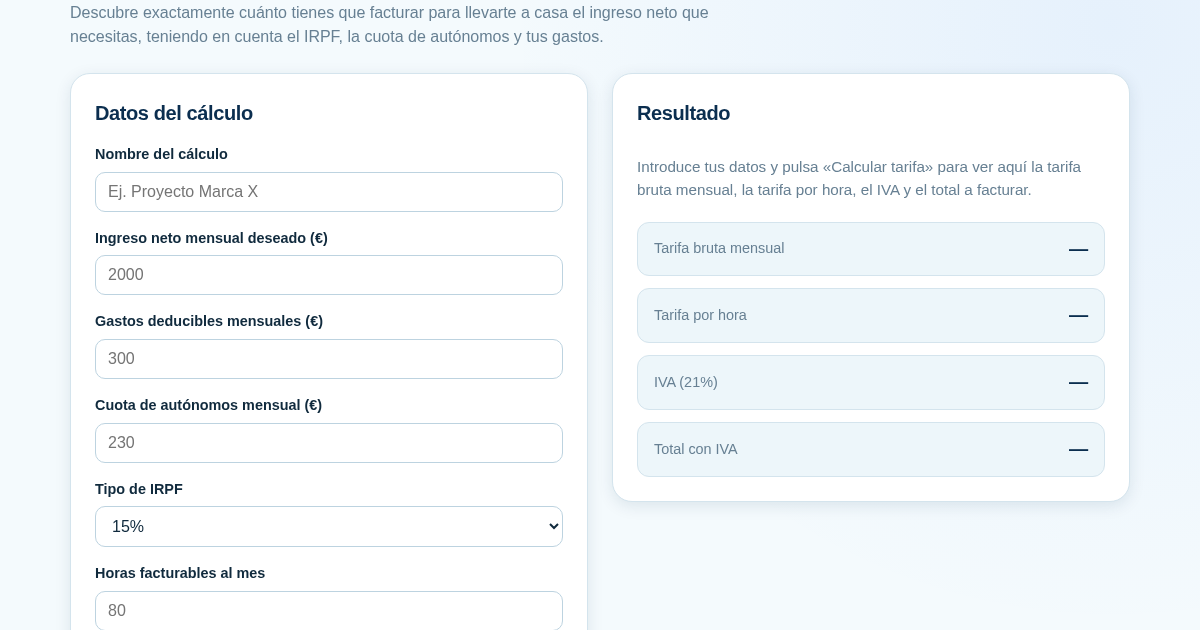
Calculadora de Tarifas para Autónomos
Muchos autónomos fijan sus tarifas sin saber cuánto necesitan facturar realmente para alcanzar el ingreso neto que quieren. Esta calculadora parte del neto mensual deseado y calcula la facturación bruta necesaria…
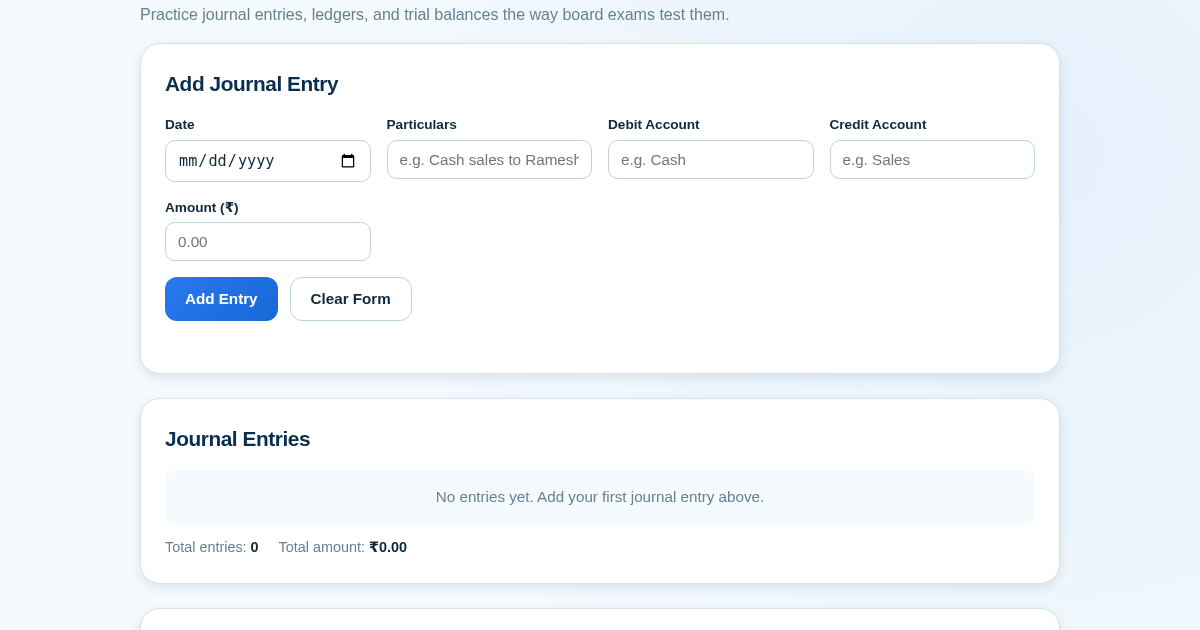
Ledger & Trial Balance Practice Tool
Commerce students in Class 10-12 need to practice journal entries and see how they flow into ledgers, trial balances, and balance sheets for board exams. This tool lets them enter transactions and instantly see the…
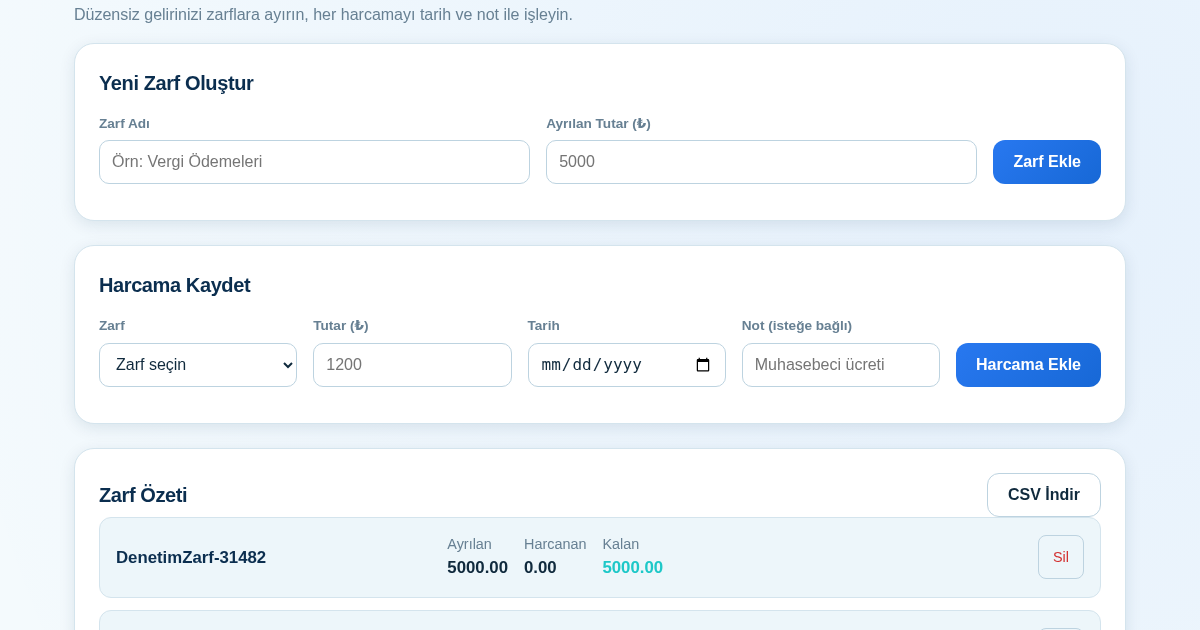
KASA - Serbest Çalışanlar İçin Zarf Bütçesi
Serbest çalışanlar düzensiz gelirlerini vergi, kira ve yaşam giderleri gibi zarflara bölerek bütçelerini düzenli tutabilir. Her harcamayı tarih ve not ile ilgili zarfa işleyerek ne kadar ayırdığını ve ne kadar…
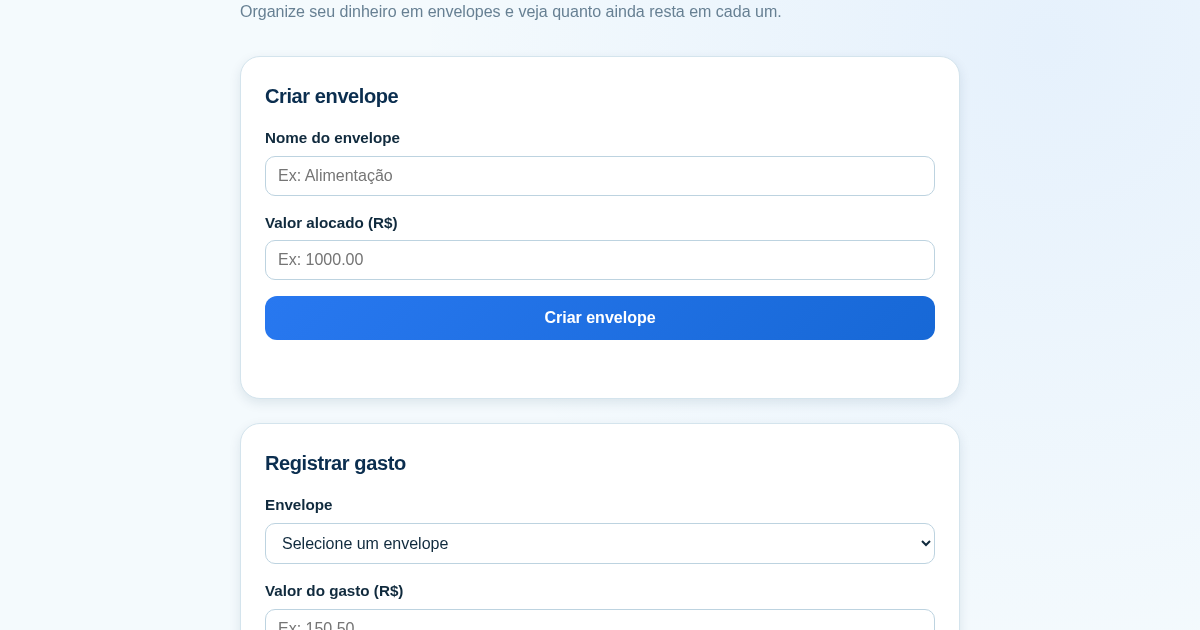
Calculadora de Orçamento por Envelopes (Pix)
Este aplicativo ajuda brasileiros a organizar seu dinheiro em envelopes de orçamento, como alimentação, transporte e lazer, sem precisar conectar uma conta bancária. Ele resolve o problema de controlar gastos do dia a…